
P’s Pocket
A pet device,in your pocket.
Import compatible firmware and create your own pet devices. Care for your pets, organize your cabinet, and play with friends nearby.
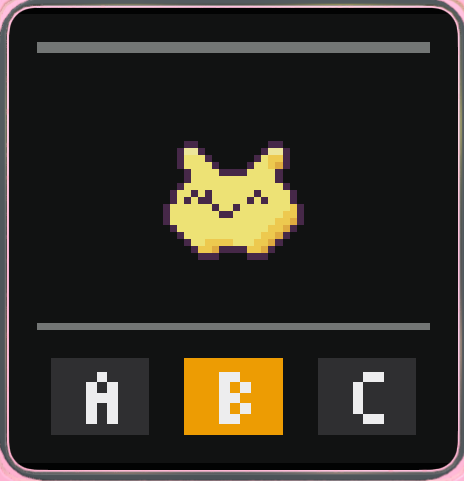
- Up to four devices
- Separate game progress
- Play face to face
Two, three, or four
One phone.Little worlds of their own.
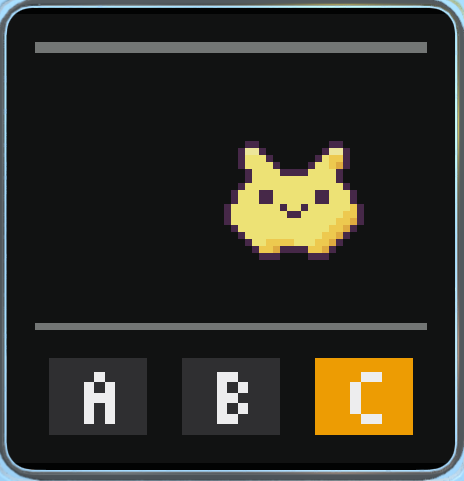
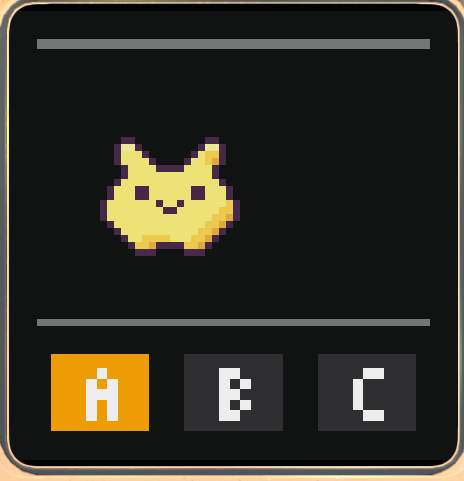
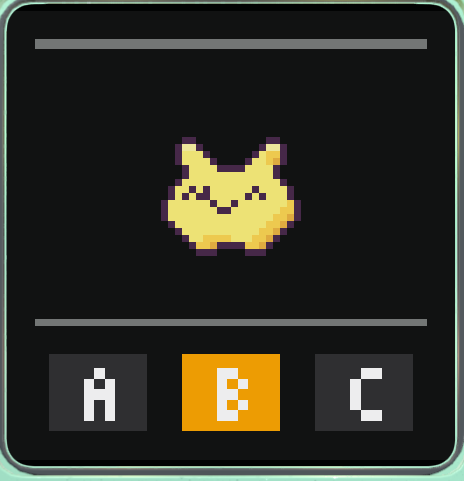
Bring a few devices out together and care for different pets. Each has its own shell and progress. Choose multiplayer inside the game to connect.
Turn it around. Play together.
Face to face.On one phone.
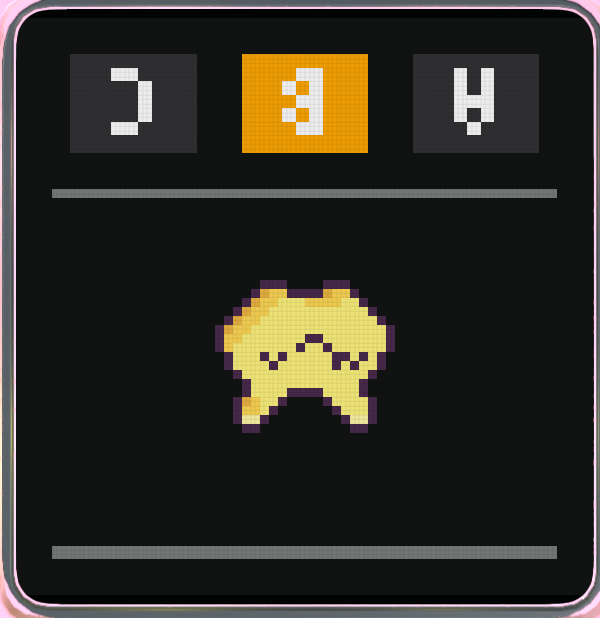
Flip the top screen in two-device split screen to share your phone with the friend across from you. You can also lend a whole device nearby, with a verified handoff that carries its progress.
That familiar LCD feel
Little pixels.A closer look.
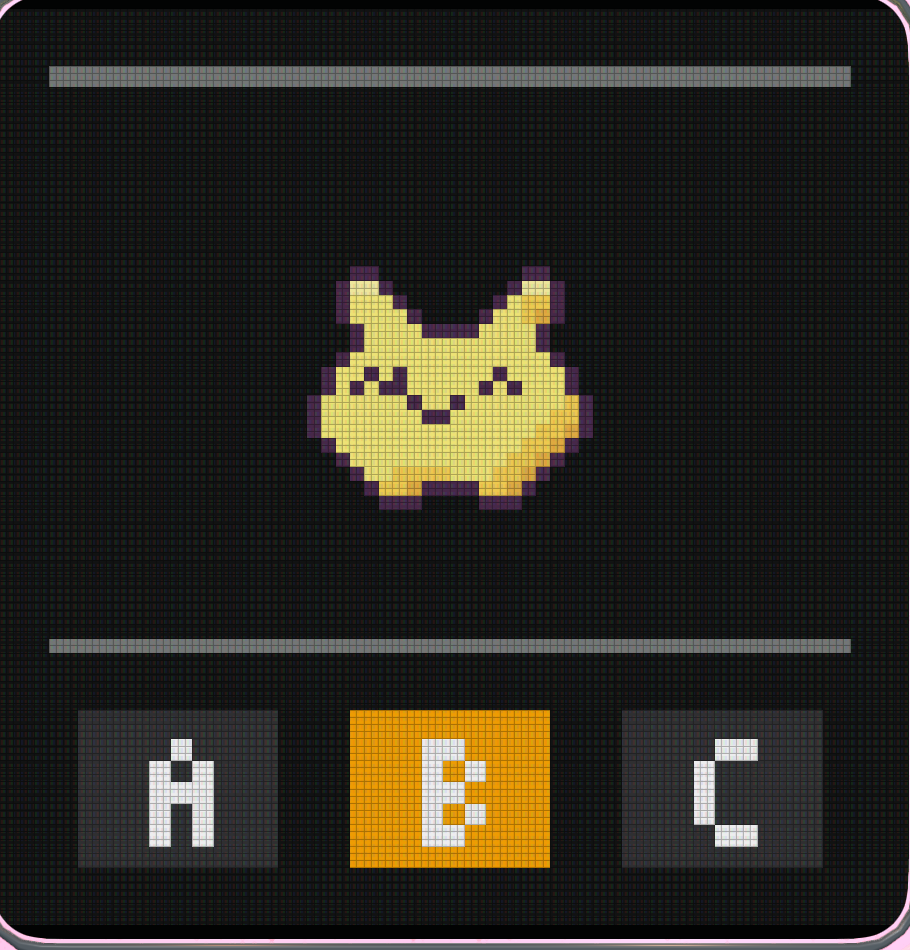
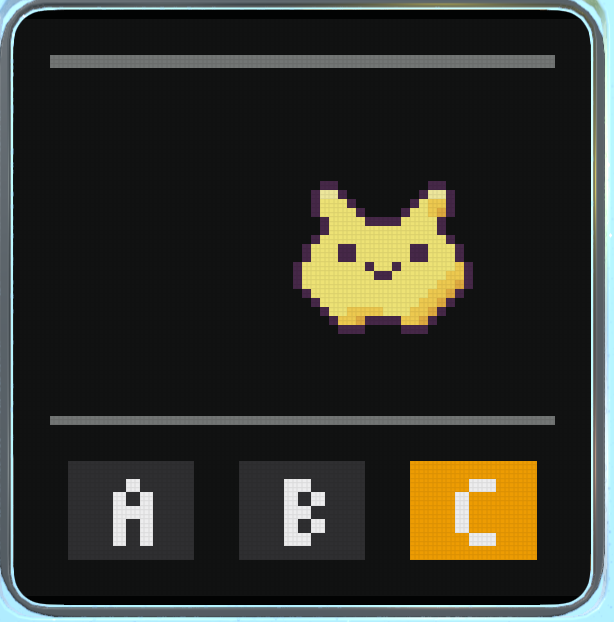
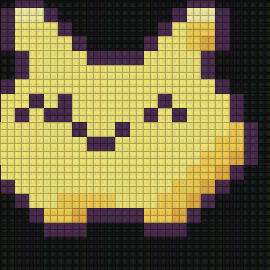
Enlarge the game screen to see its pixel grid and LCD texture. Switch the filter on or off in Settings, and choose a minimal or detailed shell.

Start with your first device
On your first launch, Pocochi guides you through importing, creating a device, and using the buttons. The tutorial uses original practice firmware and cleans up the devices it adds when it ends.
Explore the how-to guide- 01Import compatible firmware
- 02Create a device
- 03Start playing
Your game, your records
Keep your game records
View pet details, diaries, and collections. Back up to iCloud or a folder you choose.